
Security and IT teams
When an incident needs a confidential response.
A dedicated channel for incidents and sensitive assessments. You create users, manage security settings and revoke access when the work is finished.
Explore the examples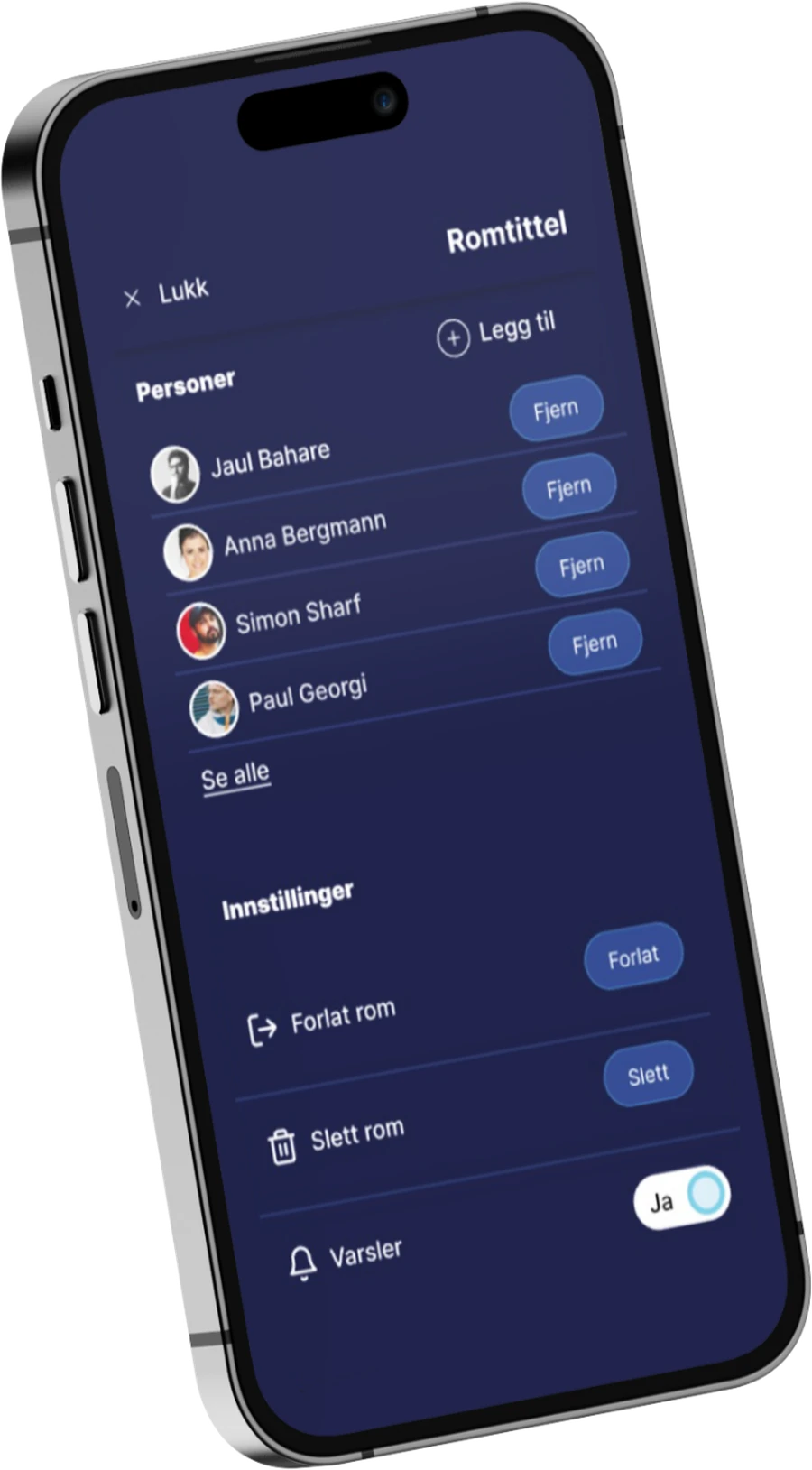
Examples of use
Three situations that need the right channel
When a system may be affected, the team needs an agreed place to discuss the incident. Participants and access should be established before the work begins.
Open a situation to see how the channel can be used.
Incident management
Bring the incident response team into a dedicated room. Keep the conversation outside the system under investigation.
Vulnerability assessments
Share findings, documents and assessments with the specialists who need them. Use TLP markings to clarify how information may be shared further.
Control over users and access
Create users through your organisation's administrator. Adjust settings for individuals and groups, and revoke access when needed.
How Skytale supports the work
Know who has access and keep control
Phone numbers alone do not tell you who should have access. In Skytale, users are created by the organisation and access is managed by an administrator.
No self-registration
Your organisation's administrator creates users.
More than a password
Skytale supports multi-factor authentication.
Settings for the right group
Security settings can be managed for individuals and groups.
Revoke access when needed
Revoke access when the work is done or requirements change.
How to get started
See the controls and try them in practice
Step 1 of 3
We review incident management
Where the conversation takes place today and what happens if that system is itself affected.
Step 2 of 3
We set up the administration portal
You see how users are created, how access is revoked and what is logged.
Step 3 of 3
You test it in a real case
An incident, vulnerability assessment or supplier dialogue that should not be openly accessible.
Step 1 of 3
Next step
See the administration portal for yourself
We show how users are created, how access is revoked and what your organisation controls.