SaaS
Operated for you
Skytale is delivered as a service operated for your organisation.
What we discuss
Service requirements, configuration and responsibilities shared between you and the provider.
Product
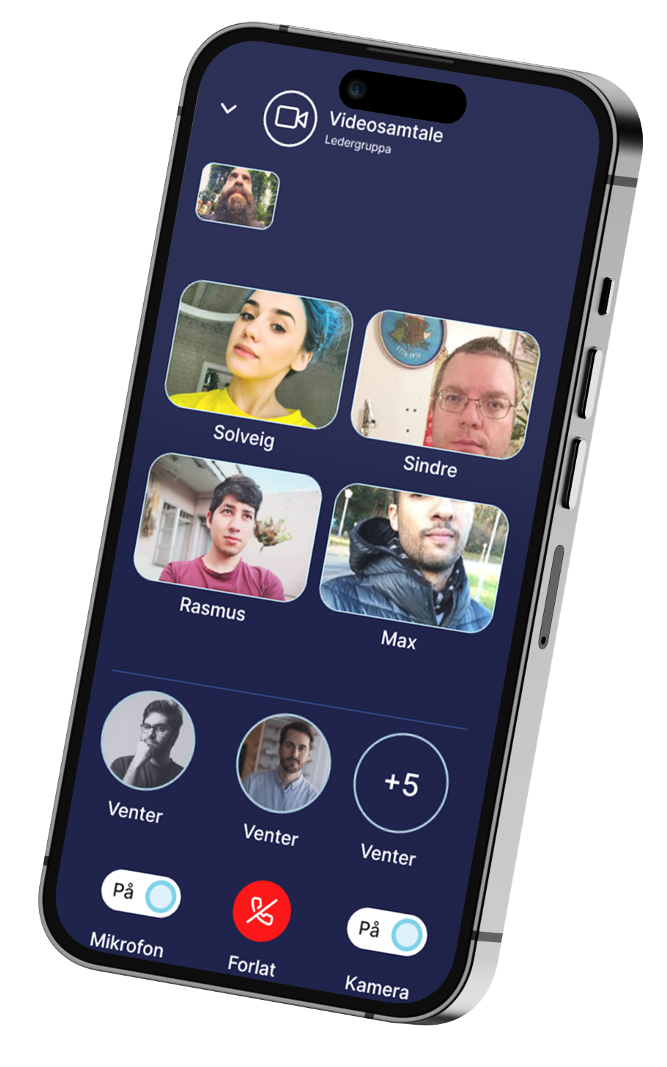
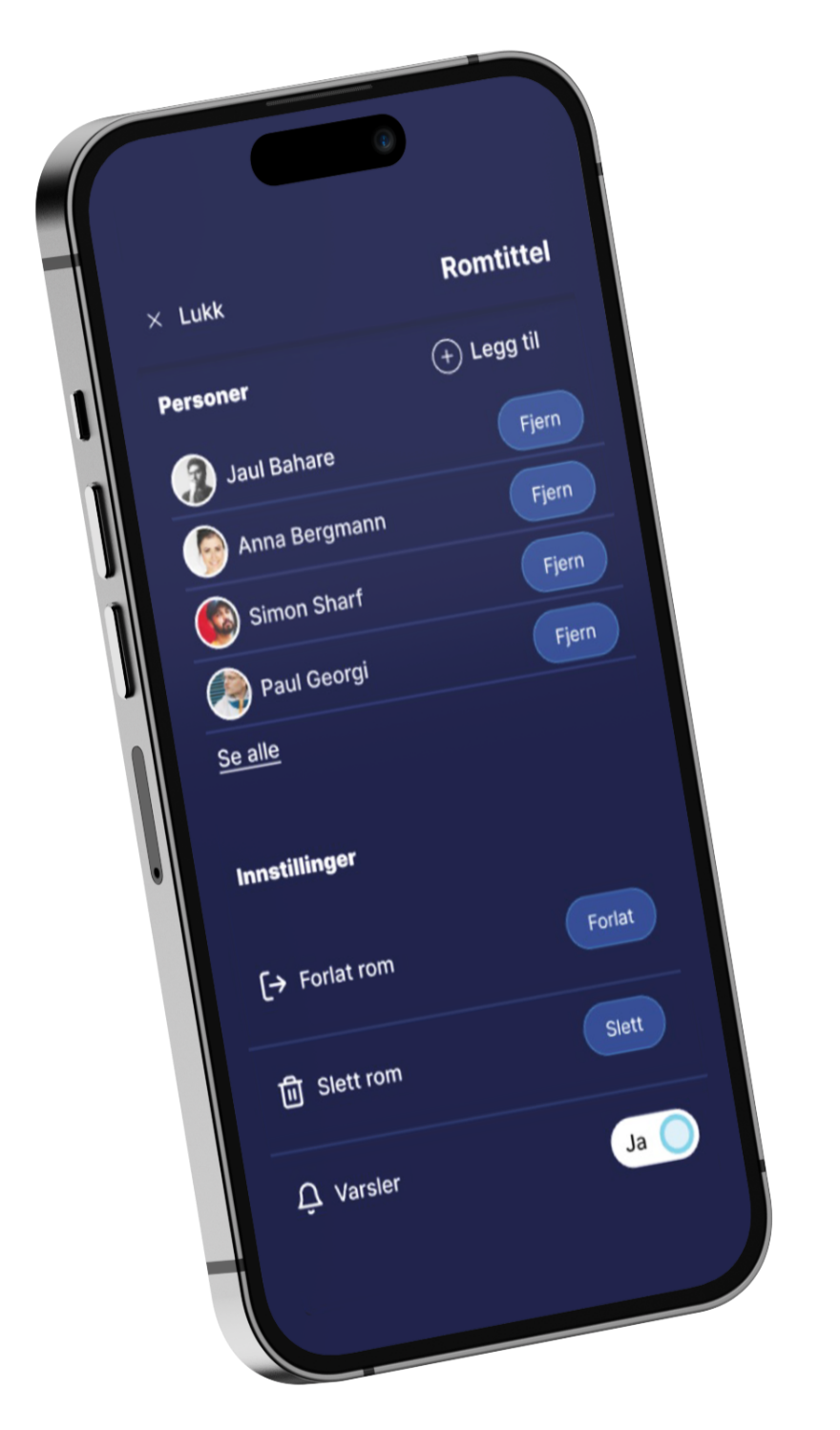
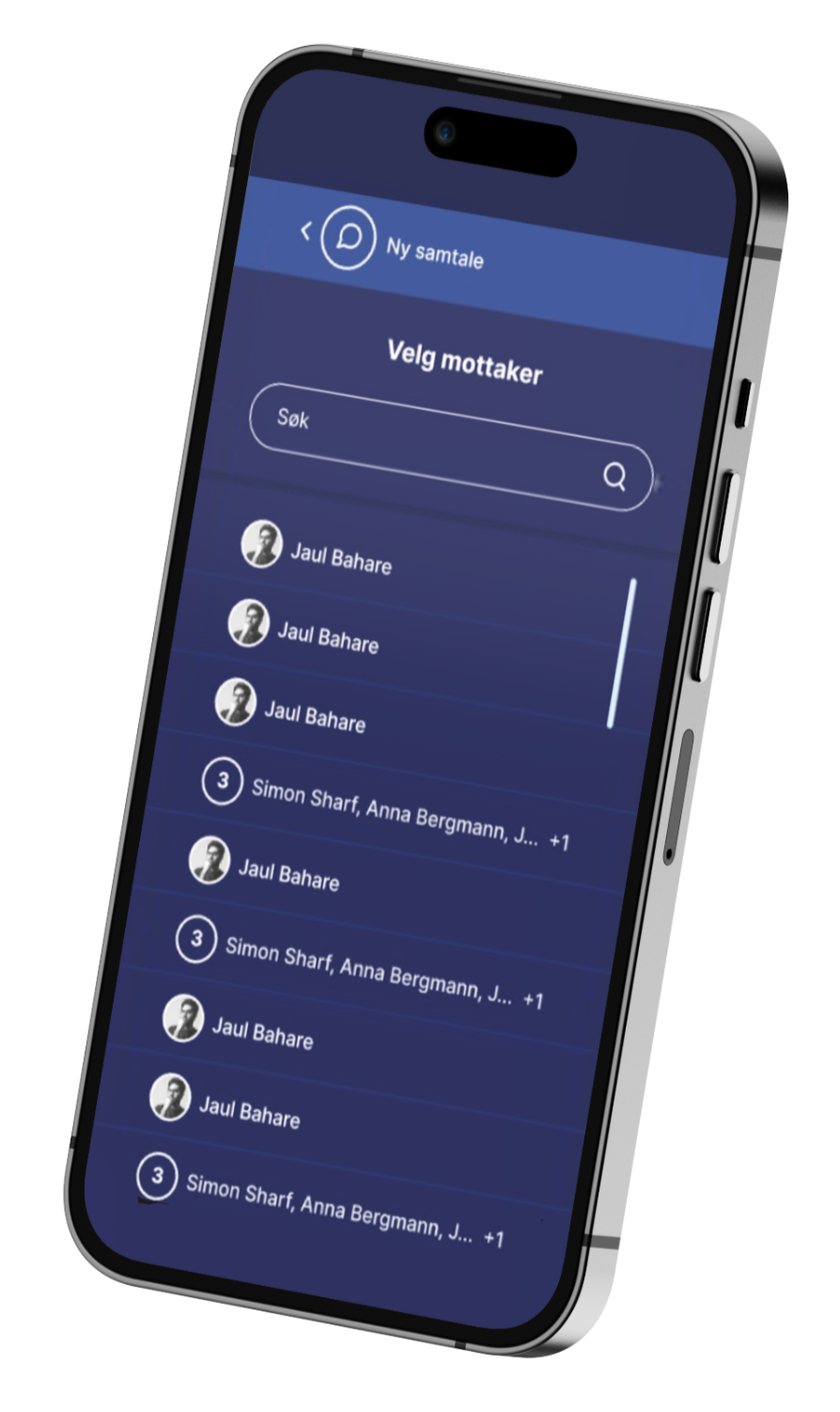
Skytale is available as apps for iOS and Android, desktop apps for Windows and Mac, and an administration portal where your organisation manages users, groups and access. Available as SaaS or on-prem.
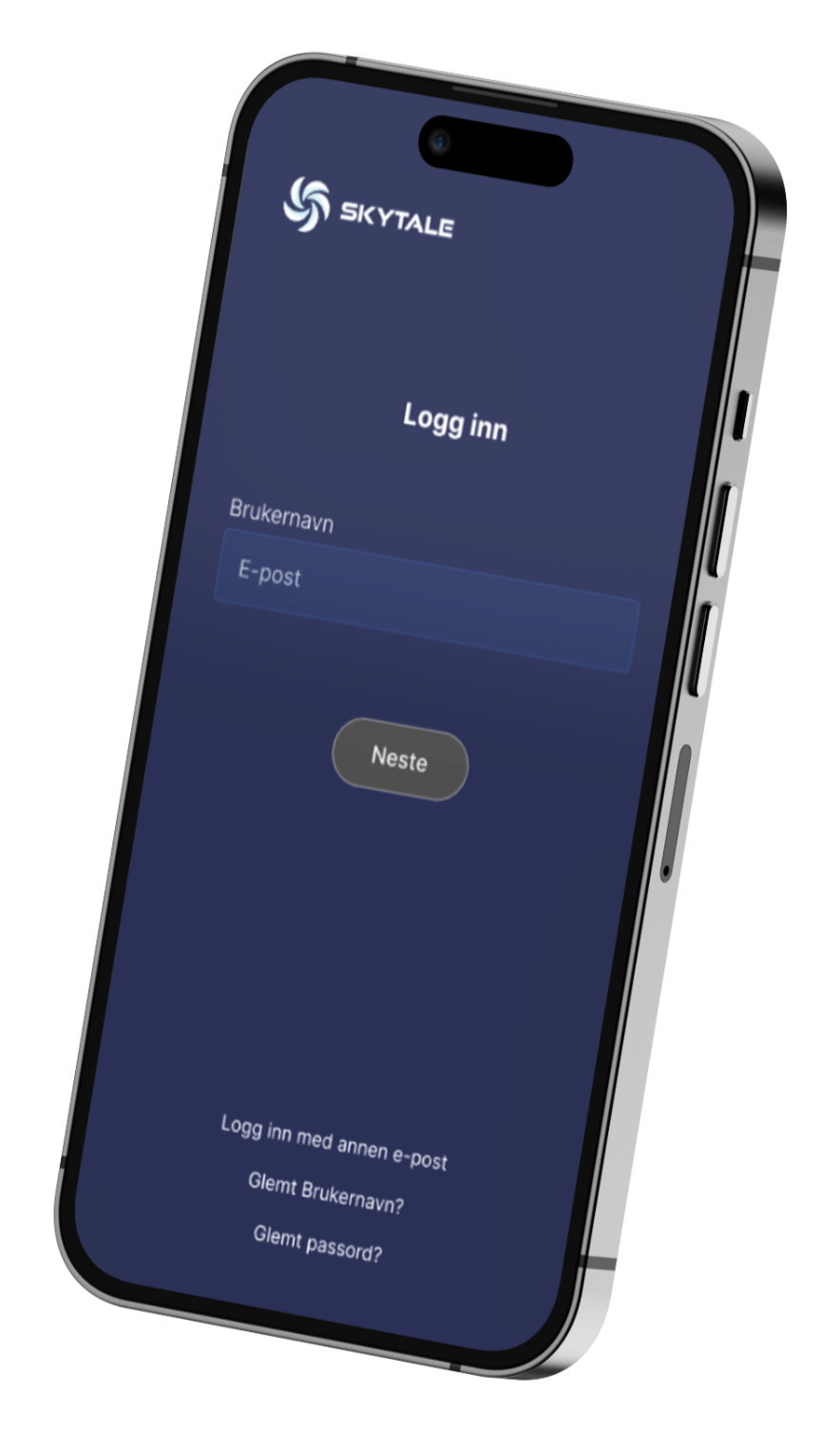
For those who already have access. Download Skytale
Settings
Each user can customise the app in Settings. Choose light or dark mode, change language and display messages compactly or as bubbles. About shows the app version you are running.
Products
The administration portal where your organisation's administrators manage user access, security groups and settings. It comes with best-practice defaults and gives your organisation full control over its own configuration and data.
Skytale on your computer, for Windows and Mac. Find downloads and installation help on the download page.
Browser version for Chrome, Safari and Edge.
A service for external partner applications. It handles communication between designated users and devices and provides access to integrated services. Planned for 2026.
More languages can be added on request.
Features
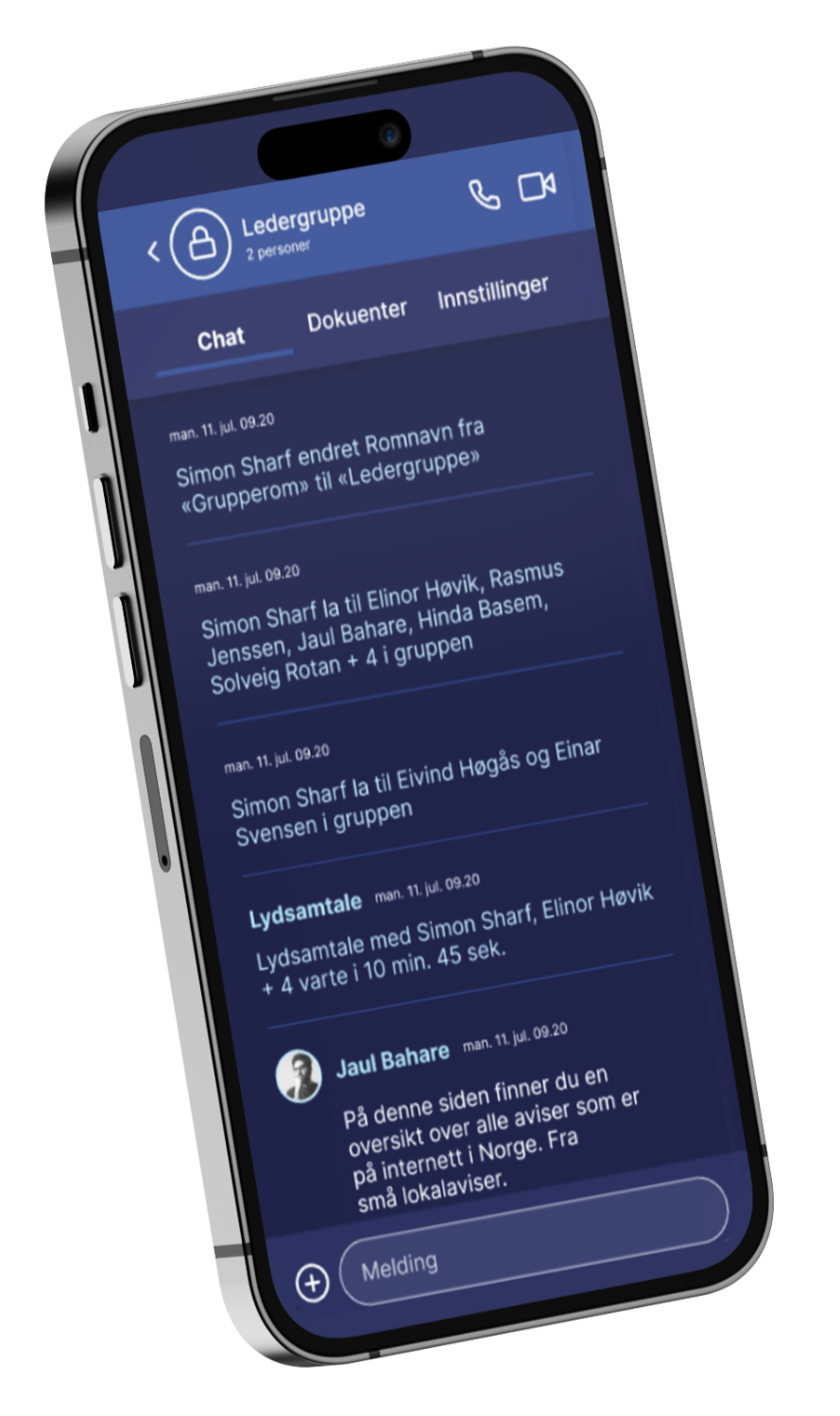
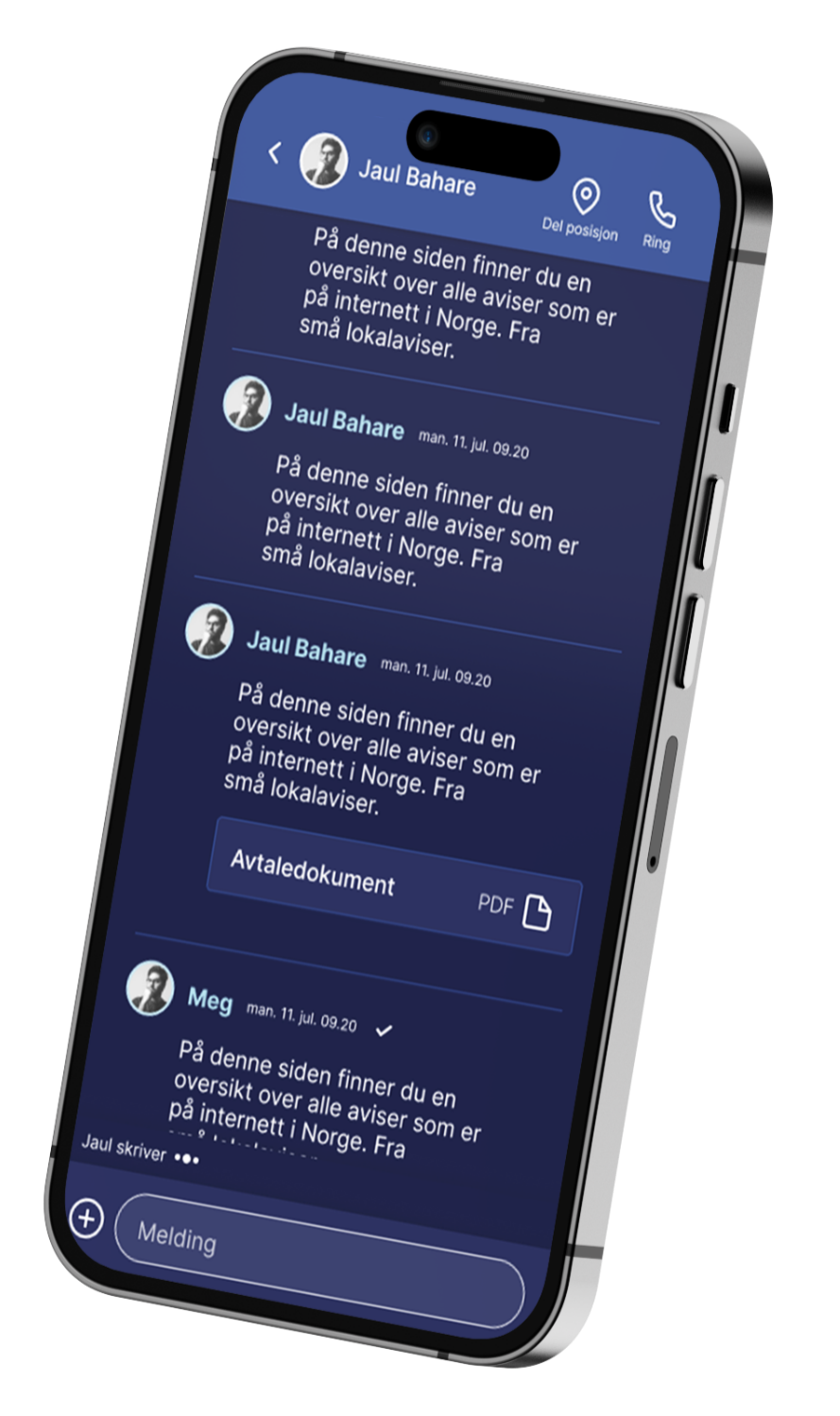
| Chat and group chat | Internal and external communication in chats defined by the user, based on the organisation's contact list. |
|---|---|
| Channels | Internal and external communication in channels created and closed by the organisation. |
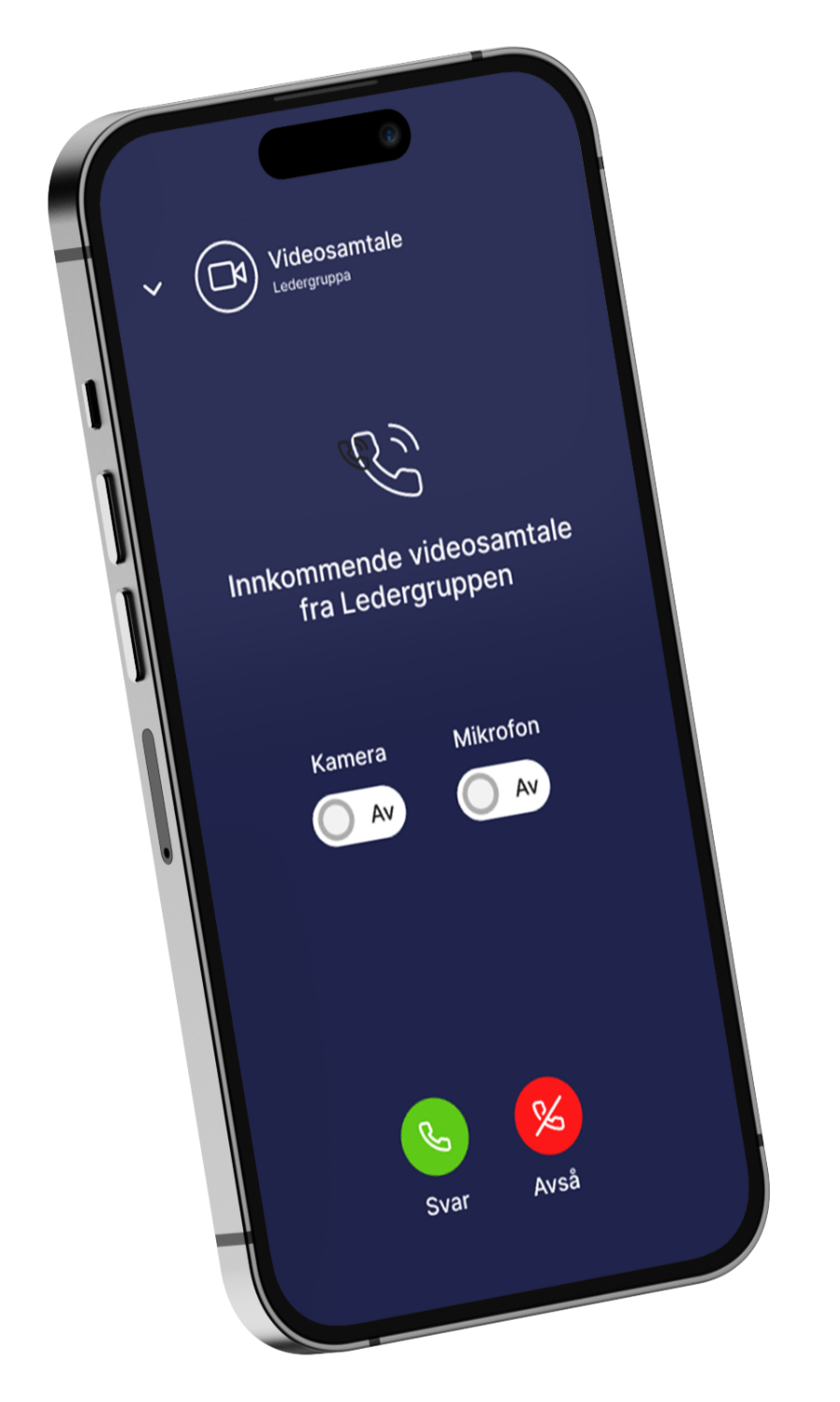
| Voice and video | One-to-one and group calls with the same access controls as chat. |
| Video conferencing | Meetings for small and large groups, with screen and file sharing. |
| File sharing | Share and read files and multimedia, up to 100 GB per file. |
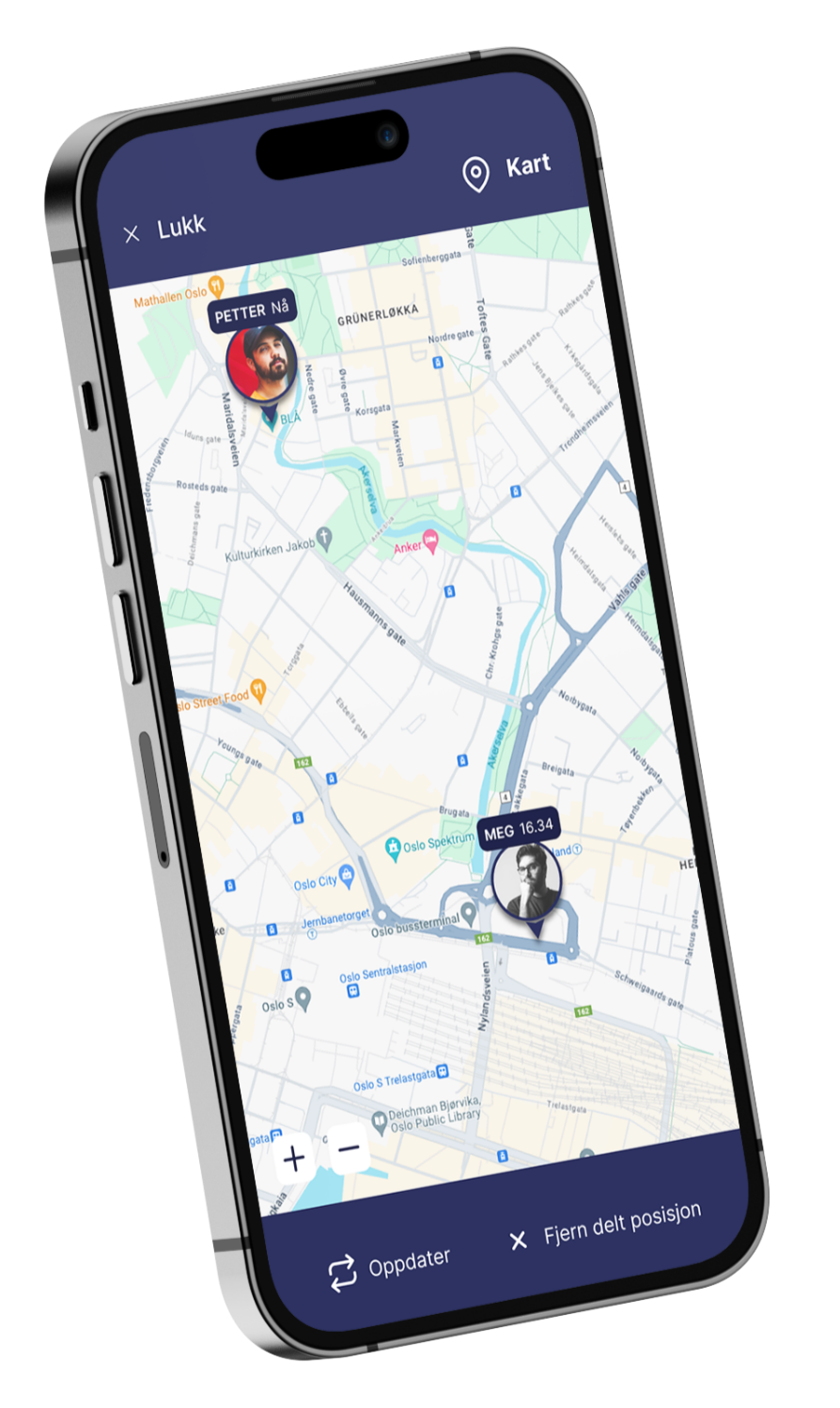
| Location sharing and maps | Share locations in chats and channels. |
| Administration and user management | Security settings for individuals, groups and the organisation. |
| End-to-end encryption | Content is encrypted from sender to recipient. |
| TLP marking | The sender selects a sensitivity label under the Traffic Light Protocol, and the label stays with the message. |
| Closing channels | Channels can be closed when the matter is concluded, so access does not remain open. |
| Archive | Older conversations can be archived for later use. |
| Multi-factor authentication | Sign in using two-factor authentication, PIN and Face ID, and/or your organisation's own IAM service. |
| No self-registration | Users are created by the organisation, not by individuals. The organisation verifies its own users. |
These features are in development and are not included in today's service.
Message marking
Skytale supports the Traffic Light Protocol. The sender chooses a label when sending a message. The organisation enables or disables TLP in the administration portal. With mandatory TLP, the user must select a level before sending. If TLP is disabled, no label is applied. Choose a level below to see what it means for the recipient.
No restrictions on further sharing. Information may be shared freely and publicly, provided copyright and licences are respected.
Use and risk. Used when information carries little or no foreseeable risk of misuse. Replaces the TLP:WHITE label from the previous version of TLP.
Who may receive it
May be shared with colleagues and partner organisations within the relevant community, such as the cybersecurity community, but must not be published or shared through public channels.
Use and risk. Used when information can improve situational awareness in a wider community, for example when warning of threats.
Who may receive it
May be shared within the recipient's organisation and with its clients, but only with those who need to know.
Use and risk. Used when recipients need support to act on information, but sharing beyond the organisations involved creates risks to privacy, reputation or operations. Clients are those receiving cybersecurity services from the organisation.
Who may receive it
May only be shared within your own organisation with those who need to know. Sharing with clients, partners or other external parties is not permitted.
Use and risk. Introduced in TLP 2.0 to distinguish clearly between internal sharing and sharing with clients.
Who may receive it
For individual recipients only. Information must not be shared beyond those directly participating in the meeting or conversation.
Use and risk. Used when information cannot be handled without significant risk to the privacy, reputation or operations of those involved.
Who may receive it
TLP specifies sharing rules, not a security classification or a technical restriction on forwarding. The sender may impose additional restrictions. Read TLP 2.0 at FIRST
Getting started
Step 1 of 4
We discuss who will use the channel and the requirements that apply to your organisation.
Step 2 of 4
The administration portal is configured with best-practice defaults.
Step 3 of 4
Your organisation creates its own users within the scope you choose.
Step 4 of 4
The channel is put to use in a real case or exercise, before a crisis occurs.
Step 1 of 4
Deployment
Skytale is available as SaaS or on your own infrastructure. The choice depends on your organisation's requirements and how much control it needs over operations.
No data is stored outside Norway. Data is processed under Norwegian law.
We clarify operational responsibility, support and prerequisites together before you choose a solution.
Find the right deployment modelNext step
We demonstrate the administration portal, the app, and how to set up and close a room.