Skytale2.0

A new chapter

Skytale 2.0

The conversation is yours.
Control should be too.

Experience Skytale
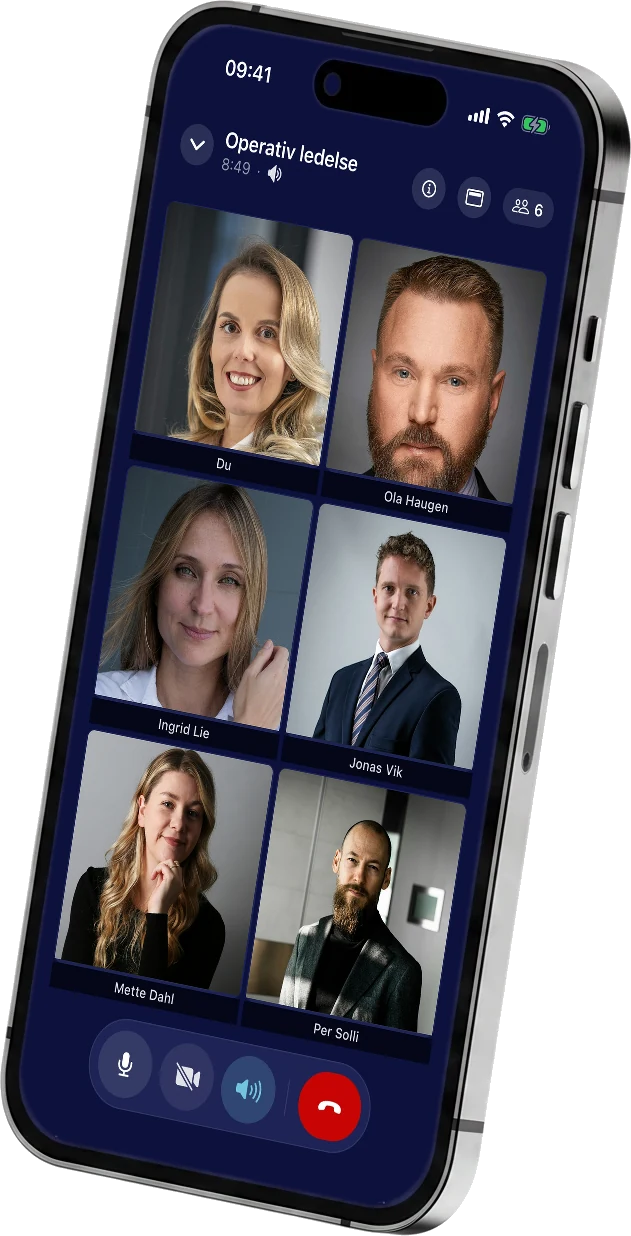
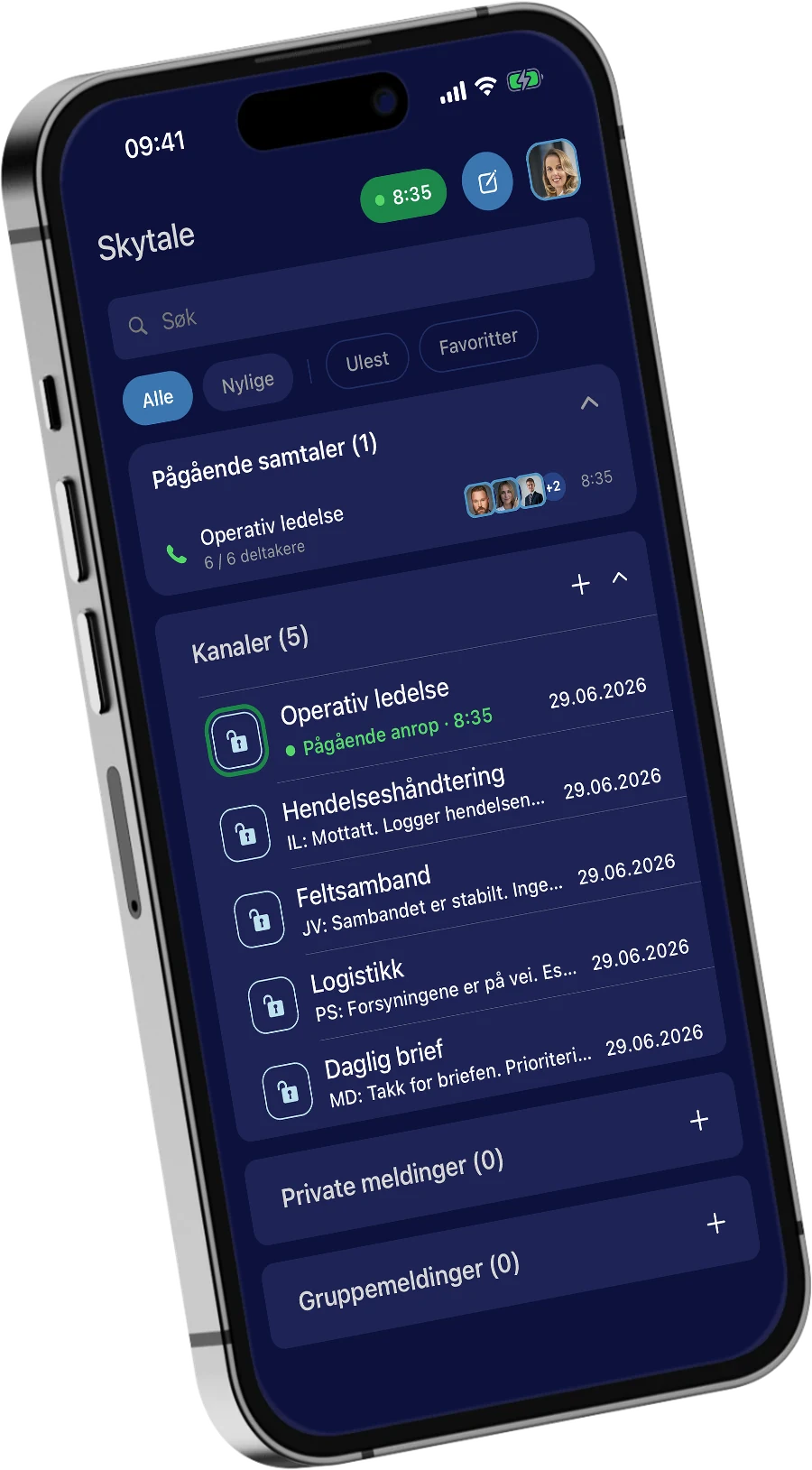
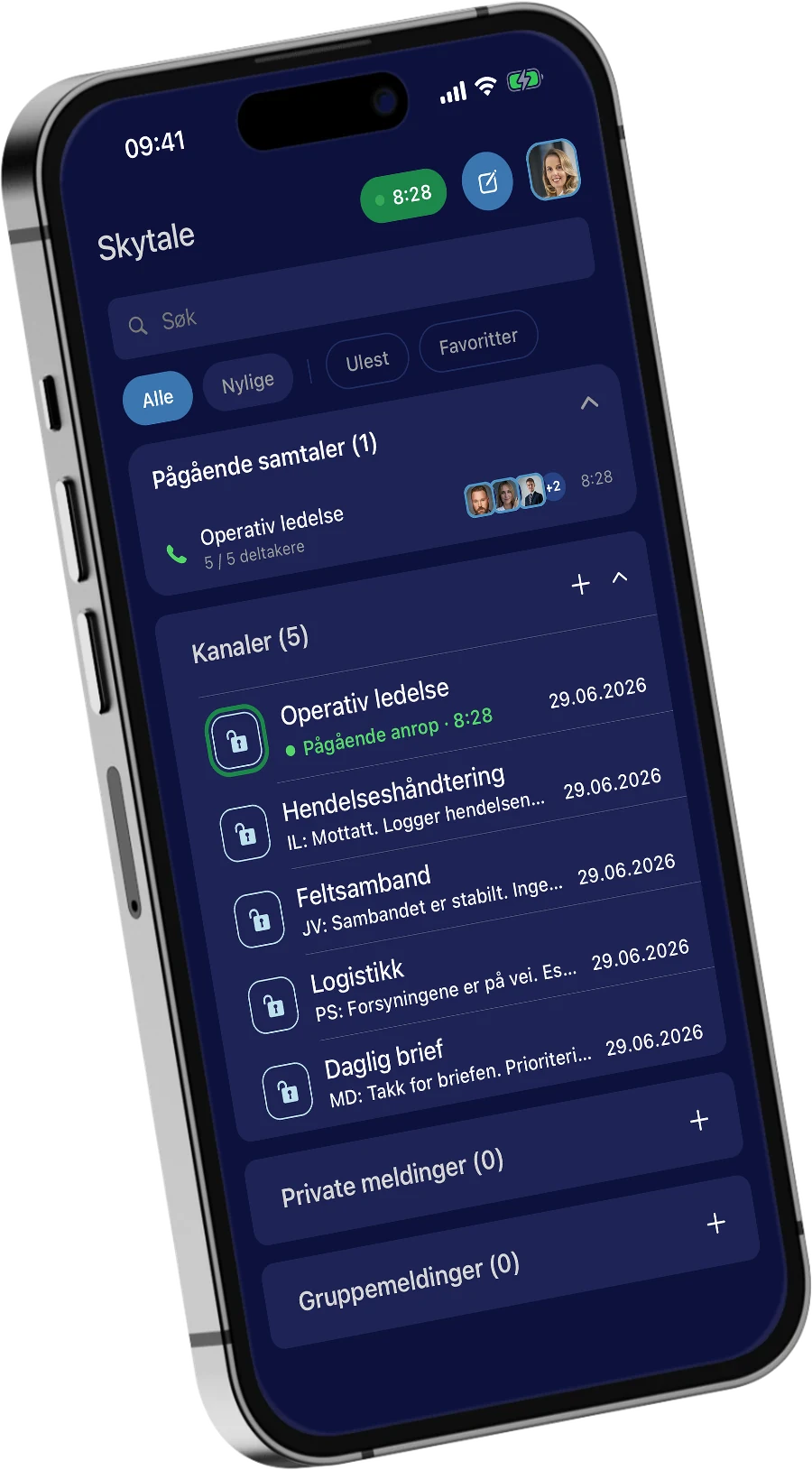
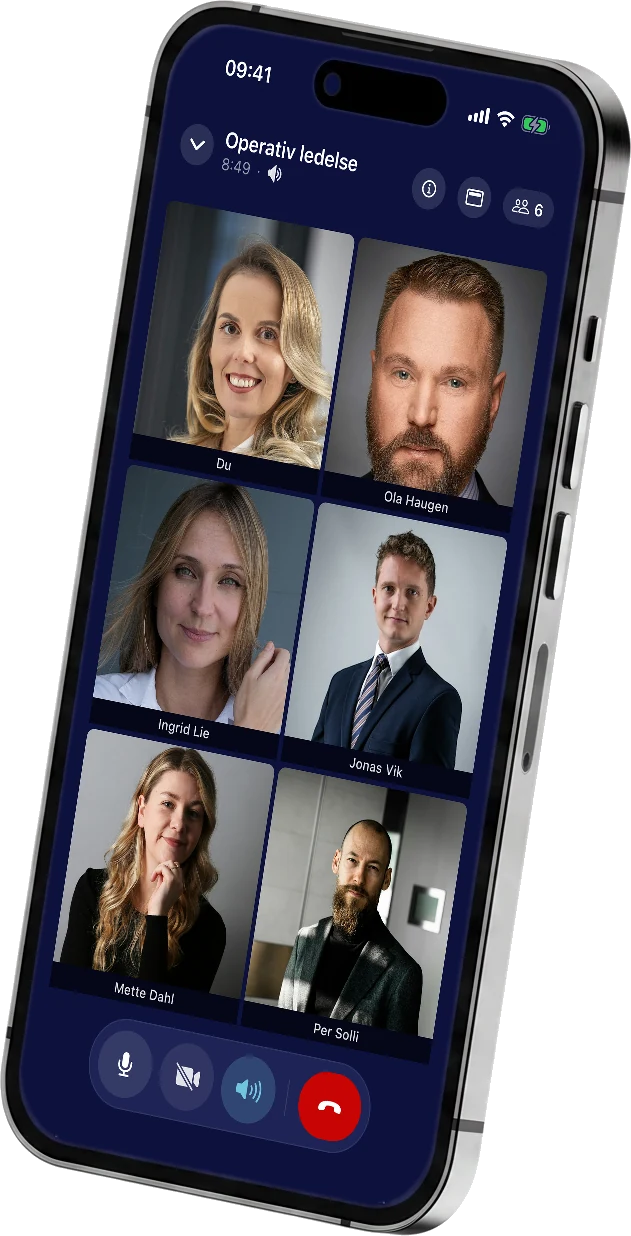
A video call in Skytale 2.0. The channel list in Skytale 2.0, with an ongoing call in Operational Management.

iOS · Android · Windows · Mac

New app. New platform.
The same control
over your company's data.

In Skytale 2.0, both the app and its underlying platform have been completely rewritten. This brings more stable calls, a new interface and a foundation for future functionality.

New in Skytale 2.0

New and improved features.

Security and privacy

  • Sign in with facial recognition, fingerprint or PIN, with a time lock.
  • Images sent in chat have their location data removed.
  • New channel icons show the channel type: a padlock for private channels, an open padlock for open channels and a megaphone for one-way channels.

Calls and meetings

  • Improved call stability and quality.
  • Picture-in-picture for video.
  • Screen sharing from desktop.

Appearance and display

  • New interface, with a choice of classic dark or light appearance.
  • Profile picture.
  • Messages displayed compactly or as bubbles.
  • Content previews in messages.

Notifications

  • Mute notifications for 1, 8 or 24 hours, a week, or until you turn them back on.
  • Calls and messages can be muted separately.

Sharing

  • Improved file sharing.
  • Images sent in chat are compressed. To retain full quality and metadata, send the image as a file.

In-app help

  • Tips and tricks for using the app.
  • ‘Show me how’: tap it and the app highlights the button you need.
The channel list in Skytale 2.0, with an ongoing call in Operational Management.A group video call in Skytale 2.0, with six participants in Operational Management.A Skytale channel's member list, where the owner can add participants, make them owners or remove them.

01 / Conversations

Adapt chat to your needs.

Use private and group messages and channels to tailor communication to your organisation. The organisation sets it up; users communicate.

Chat · Group chat · File sharing
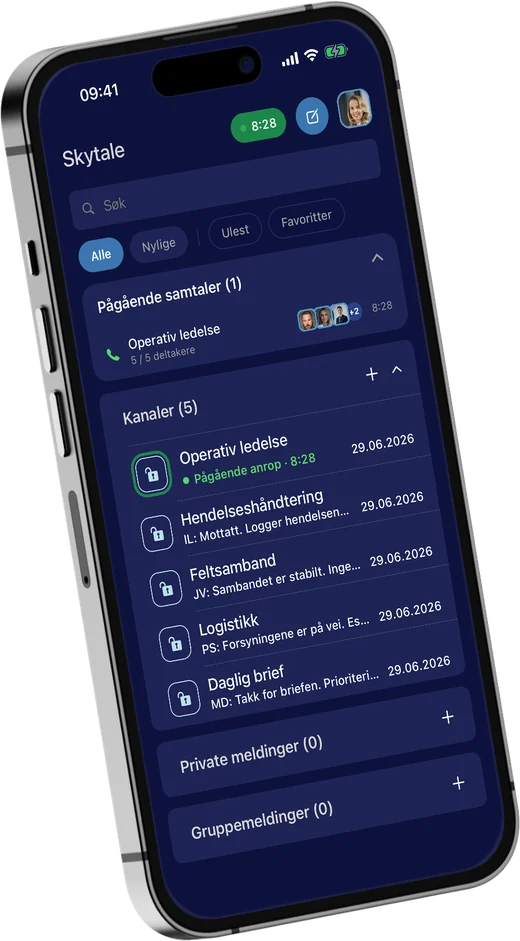
The channel list in Skytale 2.0, with an ongoing call in Operational Management.

02 / Meetings

Create video meetings with up to 6 participants.

From messages to voice and video. The same platform, the same access controls. The participant limit is expected to increase to 12 in Q4 2026.

Voice · Video · Video conferencing
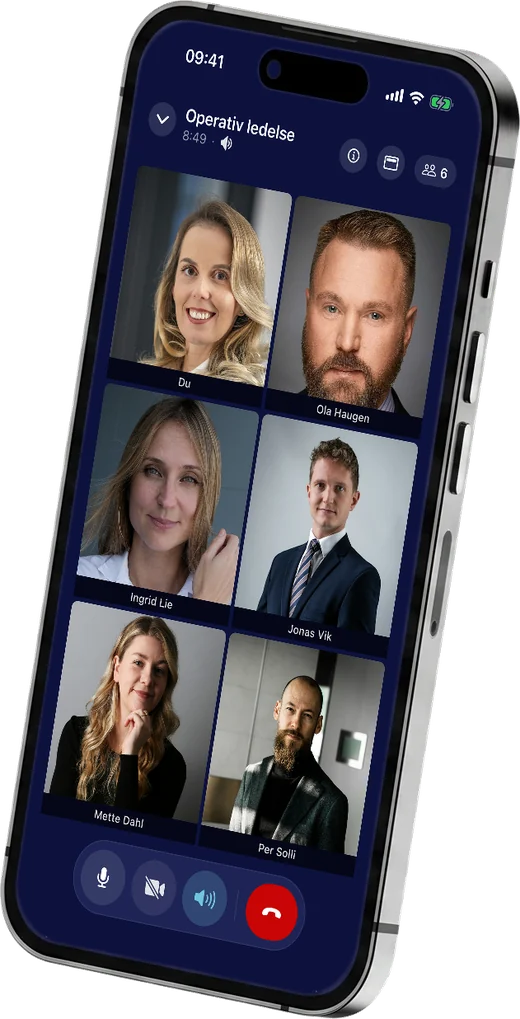
A group video call in Skytale 2.0, with six participants in Operational Management.

03 / Access

Add or remove participants as needed.

You create users and decide who takes part. Access can be managed and/or data archived when the matter is concluded.

Organisation-managed access · No self-registration
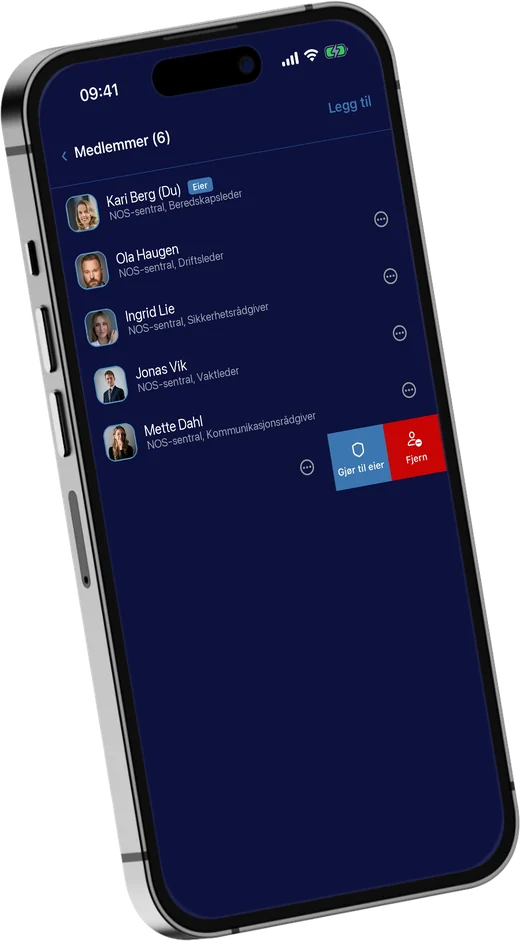
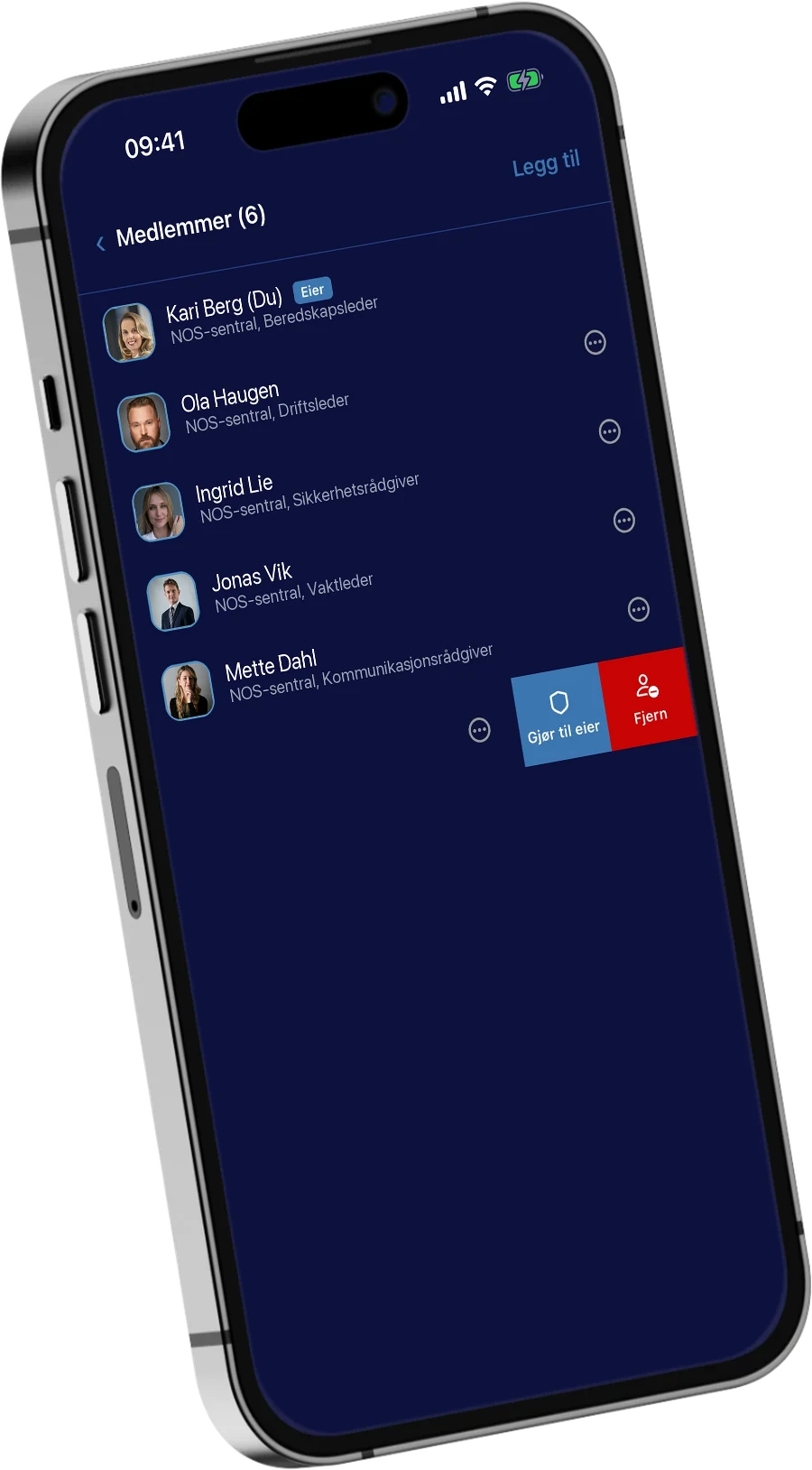
A Skytale channel's member list, where the owner can add participants, make them owners or remove them.

Control you can feel

Your company decides,
access adapts to each matter.

In Skytale, the organisation creates users and can end access when it is no longer needed.

Follow a matter from the first participant to the end of the collaboration. Try the three steps in the example.

Private case roomOrganisation-managed

A defined group

Two internal participants. A dedicated room for the matter.

2 participants in the room

  1. Define. Two internal participants in a room for the matter.
  2. Collaborate. The adviser joins when the matter requires it.
  3. Close. Access ends when the collaboration is over.

Interactive illustration.

Mobile and desktop

Choose the device that suits your needs.

On the way to a meeting. At your desk. Communication flows across your devices in real time.

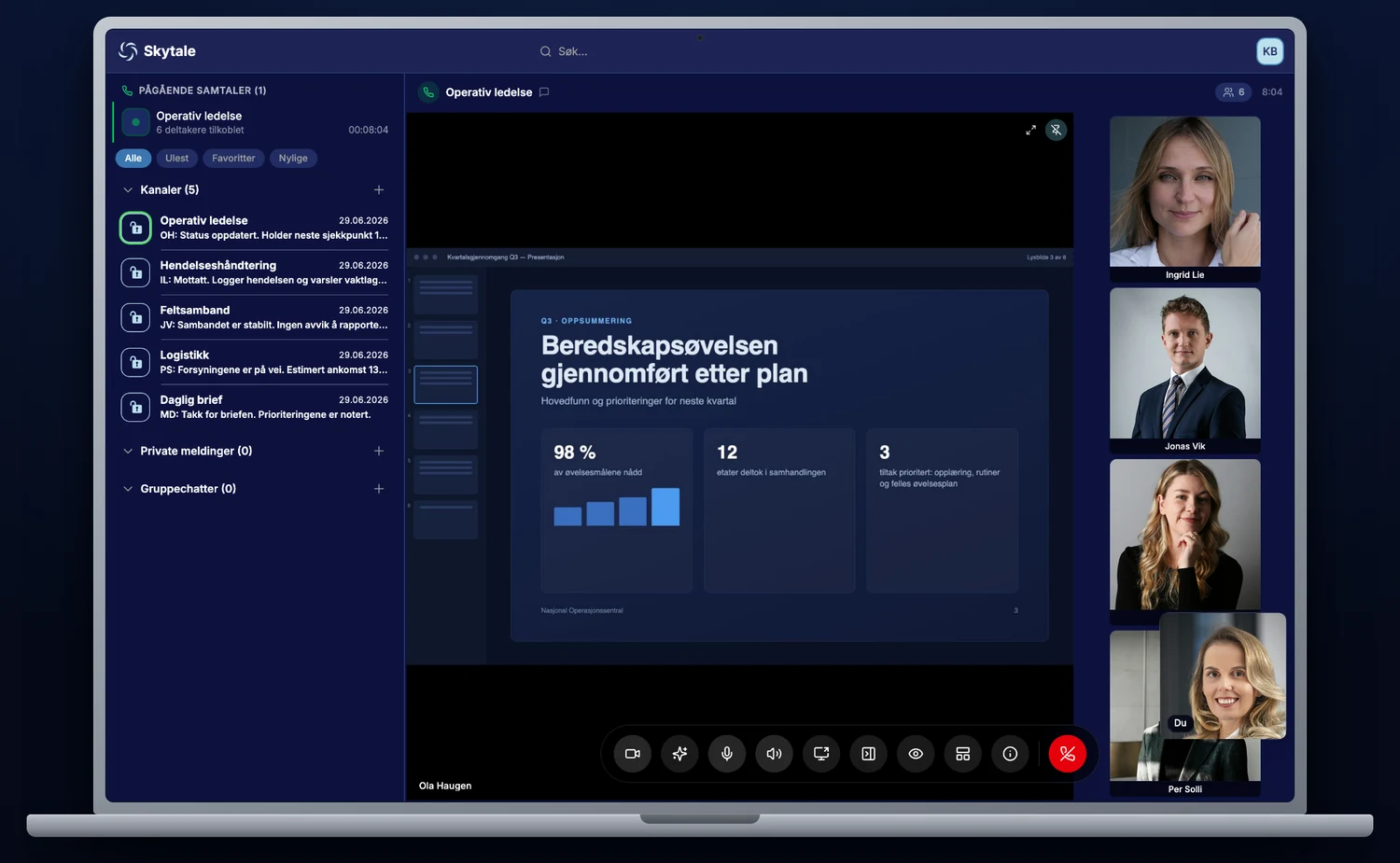
Skytale 2.0 on a laptop, with screen sharing in an Operational Management call. The channel list in Skytale 2.0 on mobile. A group video call in Skytale 2.0 on mobile.
One platform. On mobile and desktop.
  • iOS
  • Android
  • Windows
  • Mac

Download the desktop client

A Norwegian foundation

Who owns the conversation?

Developed, operated and owned in Norway

Norwegian jurisdiction

No data is stored outside Norway. Data is processed under Norwegian law. Meets the Norwegian Security Act and follows NSM's recommendations.

Your company owns the data

Your organisation owns the content and decides who has access. Content is end-to-end encrypted from sender to recipient.

Different needs, different operating models

The service can be delivered as SaaS, operated for you, or on-prem on your organisation's own infrastructure.